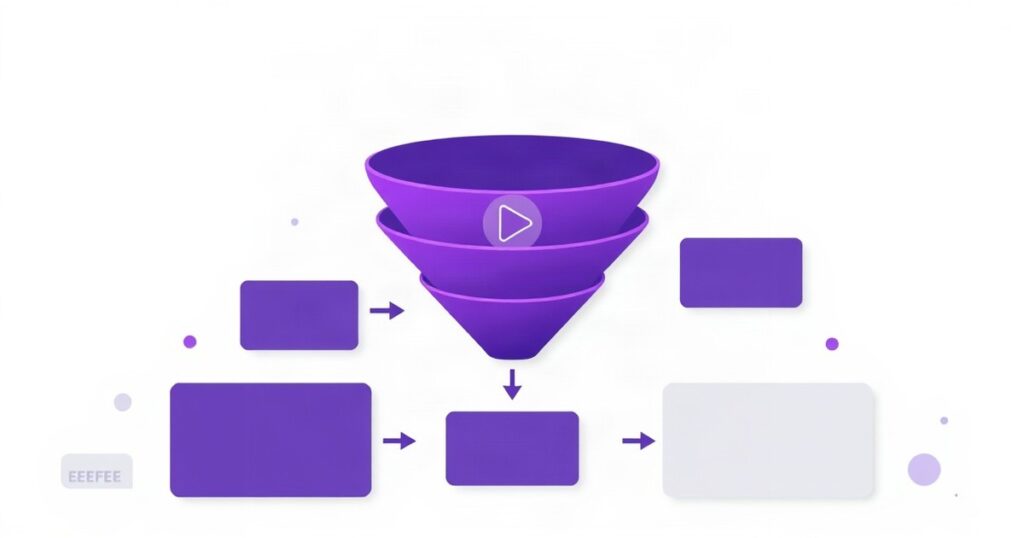
Most businesses run ads backwards. They take a cold audience — people who have never heard of them — and immediately show them a price, a product, or a „Book a Call” button. Then they wonder why conversion rates are low and cost-per-lead keeps climbing.
The fix isn’t a better headline or a different color button. It’s sequence. Specifically: run valuable content first, then retarget the people who engaged with it.
This approach works particularly well with video. Here’s how to set it up properly.
Why Video Works as a Cold-Audience Primer
Video does something static ads can’t: it builds familiarity fast. A 60-second video that answers a real question your audience has — without pitching anything — earns attention differently than a promotional banner. When someone watches 50% or more of that video, they’ve self-selected. They found it relevant enough to keep watching. That’s a meaningful signal.
The math also works in your favor. Video views on Meta and YouTube are cheap compared to clicks or conversions. You can reach thousands of qualified cold prospects, let the algorithm identify who engages, and then retarget that smaller, warmer group with your actual offer. You’re spending less to convert people who already have context about what you do.
Step 1: Build the Right Content Ad
The first video in your sequence should provide genuine value with no strings attached. Think about the questions your prospects actually ask before they buy. A logistics company might explain how to reduce return shipping costs. A B2B SaaS firm might walk through a common workflow mistake. A service agency might show what a real audit looks like.
The goal is not brand awareness in the vague sense. It’s to create a moment of recognition — the viewer thinks „this is relevant to my situation.” That emotional anchor is what makes the retargeting step work.
Practical specs that hold up in testing:
- Keep the content video between 45 seconds and 2 minutes
- Put the most useful information in the first 10 seconds — don’t save the payoff for the end
- No hard pitch, no promotional pricing, no „contact us today”
- Captions are non-negotiable — most views happen with sound off
Step 2: Set Up Your Engaged-Viewer Audience
Once the content video is live and has accumulated views, you create a custom audience based on video engagement. The setup varies slightly by platform.
On Meta (Facebook/Instagram)
Go to Audiences in Ads Manager, create a Custom Audience, and select „Video” as the source. You can segment by percentage watched: 25%, 50%, 75%, or 95%. For most campaigns, 50% is the right threshold — it filters out accidental views while keeping the audience large enough to be actionable. Select the specific video ad and set a retention window (typically 14–30 days depending on your sales cycle).
On YouTube (Google Ads)
In Google Ads, go to Tools → Audience Manager → Your Data Segments. Create a new segment based on YouTube engagement — you can target people who viewed at least 30 seconds of your video, watched to completion, or interacted with your channel. Link your YouTube channel to your Google Ads account first if you haven’t already. Use these segments as „Targeting” (not „Observation”) in your retargeting campaigns.
Step 3: Run the Offer Ad to Warm Viewers Only
Now you run a second campaign targeted exclusively at the engaged-viewer audience you just built. This ad can be direct. It can show pricing, a case study, a testimonial, or a clear call to action — because the person seeing it already has baseline familiarity with what you do.
A few things that tend to work well in this second ad:
- Reference the first video implicitly: „You’ve seen how [problem] works — here’s how we solve it”
- Social proof: a client result, a review, or a specific before/after metric
- A lower-friction offer than your main product — a free audit, a consultation, a lead magnet — to move people into your funnel before asking for the full commitment
- Urgency that’s real, not manufactured: limited spots, a specific deadline, a seasonal relevance
How the Sequencing Looks End-to-End
To make this concrete: imagine a company selling HR software to mid-sized businesses. The sequence might look like this:
- Week 1–3: Run a 90-second video ad to a cold audience (targeting: company size, job title, industry) explaining the three most common onboarding mistakes that slow new hires down. No pitch. Spend is modest — €5–15/day on Meta or YouTube depending on audience size.
- Week 2–4: As the video accumulates views, the 50%+ viewer audience builds. Once it hits a usable size (typically 1,000+ for Meta, 100+ for YouTube remarketing), launch the second campaign.
- Retargeting campaign: Show a case study ad — „How a 120-person logistics firm cut onboarding time by 40% in 8 weeks” — with a CTA to book a demo. Frequency cap at 3–4 impressions per week so you’re not over-saturating the small audience.
What to Watch in the Numbers
Track these separately for each phase of the sequence:
- Phase 1: Cost per ThruPlay (completed or 15s+ view), percentage of viewers reaching 50% of the video, audience build rate
- Phase 2: CTR compared to cold traffic campaigns, cost per lead or cost per conversion, frequency (keep this under 5 over a 30-day window)
In well-structured sequences, the retargeting phase typically shows CTRs 2–4x higher than equivalent cold campaigns, and conversion costs that are meaningfully lower — because you’re no longer paying to convince strangers. You’re converting people who already understand your positioning.
One Common Mistake to Avoid
Don’t let the retargeting audience go stale. If your content video ran 60 days ago and someone watched it, the window of relevance has likely closed. Set your audience retention window to match your actual sales cycle — 14 days for fast-moving products, 30–45 days for longer B2B decisions. Refresh the content video every 4–6 weeks to keep feeding the funnel.
The mechanics here aren’t complicated. The discipline is in running the sequence properly rather than collapsing it into a single ad and expecting cold audiences to convert like warm ones.
Back to Blog